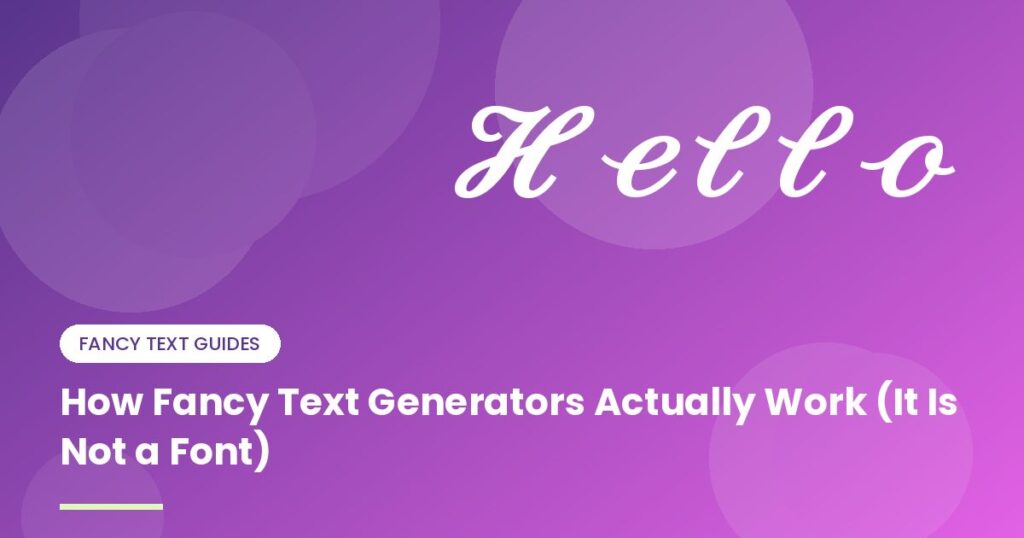
You paste 𝓗𝓮𝓵𝓵𝓸 into a bio, hit save, and it just shows up. No font to install, no app to download. So where did the fancy lettering come from?
Short answer: it isn’t a font at all. Those are completely different characters that happen to look like stylish versions of the ones on your keyboard.
Every character has a number
Computers don’t store letters, they store numbers. Unicode is the giant list that says which number means which character. A capital A is U+0041. A lowercase a is U+0061. Nothing surprising there.
The surprise is what else is on the list. Tucked away is a block called Mathematical Alphanumeric Symbols, added so mathematicians could write things like a bold x or a script 𝓕 in equations without leaving plain text. It contains whole alphabets in bold, italic, script, gothic and more. Sooner or later somebody noticed that these work perfectly well as ordinary letters.
The generator is a lookup table
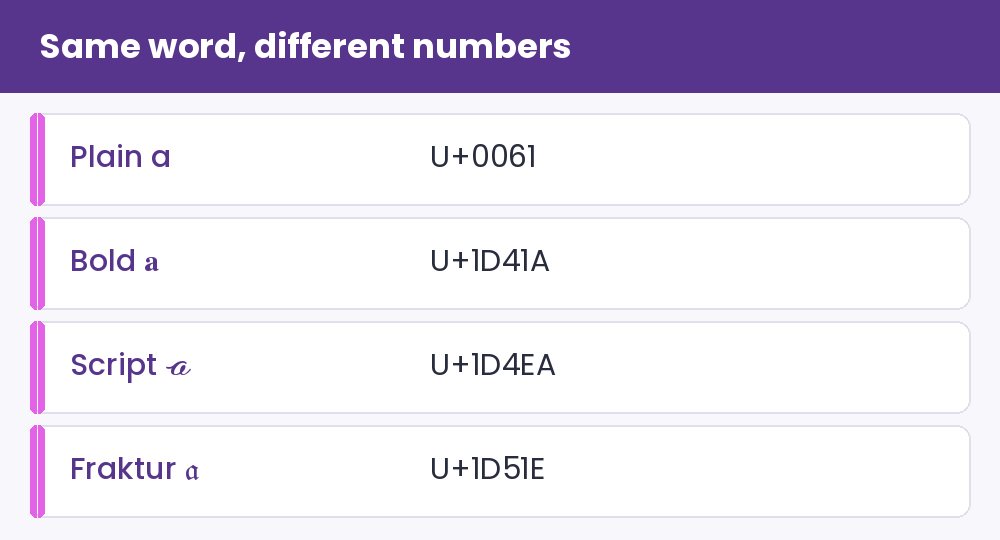
That’s honestly the whole trick. You type “hello”, and for every letter the tool looks up its twin in the chosen style and swaps it in. Think of a very long find-and-replace list: a becomes 𝓪, b becomes 𝓫, and so on.
| Plain a | U+0061 |
| Bold 𝐚 | U+1D41A |
| Script 𝓪 | U+1D4EA |
| Fraktur 𝔞 | U+1D51E |
Because it’s only a swap, everything happens right in your browser. Nothing needs to be sent anywhere, which is why these tools feel instant.
Why it works nearly everywhere
When you copy fancy text you’re copying real text, not a picture and not a style. Any app that can show Unicode can show it, as long as the phone or computer has a font that includes those characters. Modern phones do, which is why your bold name looks fine on Instagram, WhatsApp, Discord and most of the rest.
Where the trick falls short
- Search doesn’t understand it. To a search box, 𝐡𝐞𝐥𝐥𝐨 and hello are different words. Put your important keywords in plain letters.
- Screen readers can stumble. More on that in our guide to fancy text and accessibility.
- Old devices show empty boxes. If the font lacks a character, you get a square. There’s a whole article on why that happens and how to avoid it.
- Only some scripts have twins. English letters and digits do. Sinhala, Tamil, Arabic, Chinese and most accented letters don’t, so they stay exactly as you typed them.
Using this to your advantage
Knowing it’s a swap tells you how to use it well. Keep it short: a name, a headline, one line you want to stand out. Keep anything people need to read, find or act on in plain text. And always glance at the result on a second phone before you commit to it.
If you’re curious what else Unicode holds, the symbols page is a fun place to wander, and this beginner’s tour of Unicode blocks explains how it’s all organized. Need plain text back in a hurry? The case converter is handy. Or head to the main generator and try the lookup trick yourself.